
Logo shown is the property of PracticeTek, used for identification purposes only.
Get PracticeTek Pricing & Demo
Compare plans, book a live demo, and see how PracticeTek fits your team.
PracticeTek is a connected platform for specialty practices that combines EHR, scheduling, billing and payments in one ecosystem. It serves chiropractic, dental, optometry, pediatrics and other specialty fields. Tell us your needs and we'll return current pricing.
Key takeaways
PracticeTek is a connected healthcare platform that unites specialty EHR, scheduling, billing and patient payments for specialty practices including chiropractic, dental, optometry and pediatrics. It positions itself as a single ecosystem rather than a collection of point tools. Public reviews are generally positive, with users citing the integrated approach and specialty-specific workflows. Common feedback points to implementation complexity and the learning curve when onboarding staff to a new connected platform.
See the plan that fits your team
Share a few details and we'll send PracticeTek pricing matched to your clinical needs.
Independent guidance
Software Finder is an independent software marketplace, not PracticeTek, and not affiliated with or endorsed by them.
By submitting, you agree to Software Finder's Terms of Service and Privacy Policy and consent to be contacted by Software Finder and one or more matchedsoftware vendors (which may include PracticeTek) about your request. You can opt out at any time.
Overview
What is PracticeTek?
PracticeTek is a healthcare technology company that offers a connected platform of specialty-built software products for medical and dental specialty practices. Its ecosystem covers electronic health records, scheduling, billing, patient payments and patient engagement tools. Rather than providing a single monolithic EHR, PracticeTek assembles specialty-specific products, such as its chiropractic, dental, optometry and pediatrics solutions, that share a common data backbone so information moves across the platform without manual re-entry.
Best for
PracticeTek is best for specialty practices in chiropractic, dental, optometry, pediatrics and related fields that want EHR, scheduling, billing and payments connected in one platform rather than managed through separate, disconnected tools. Its most frequently cited strength is the reduction in data re-entry and the single-ecosystem approach that keeps clinical and financial information aligned.
Specialty EHR
How PracticeTek handles specialty EHR
PracticeTek provides specialty-built EHR solutions for chiropractic, dental, optometry, pediatrics and other specialty fields. Charting, visit notes and documentation workflows are designed around the care patterns of each specialty rather than adapted from a generic medical EHR.
- Specialty-configured charting and clinical workflows
- Documentation templates for multiple specialty types
- Patient records integrated with scheduling and billing
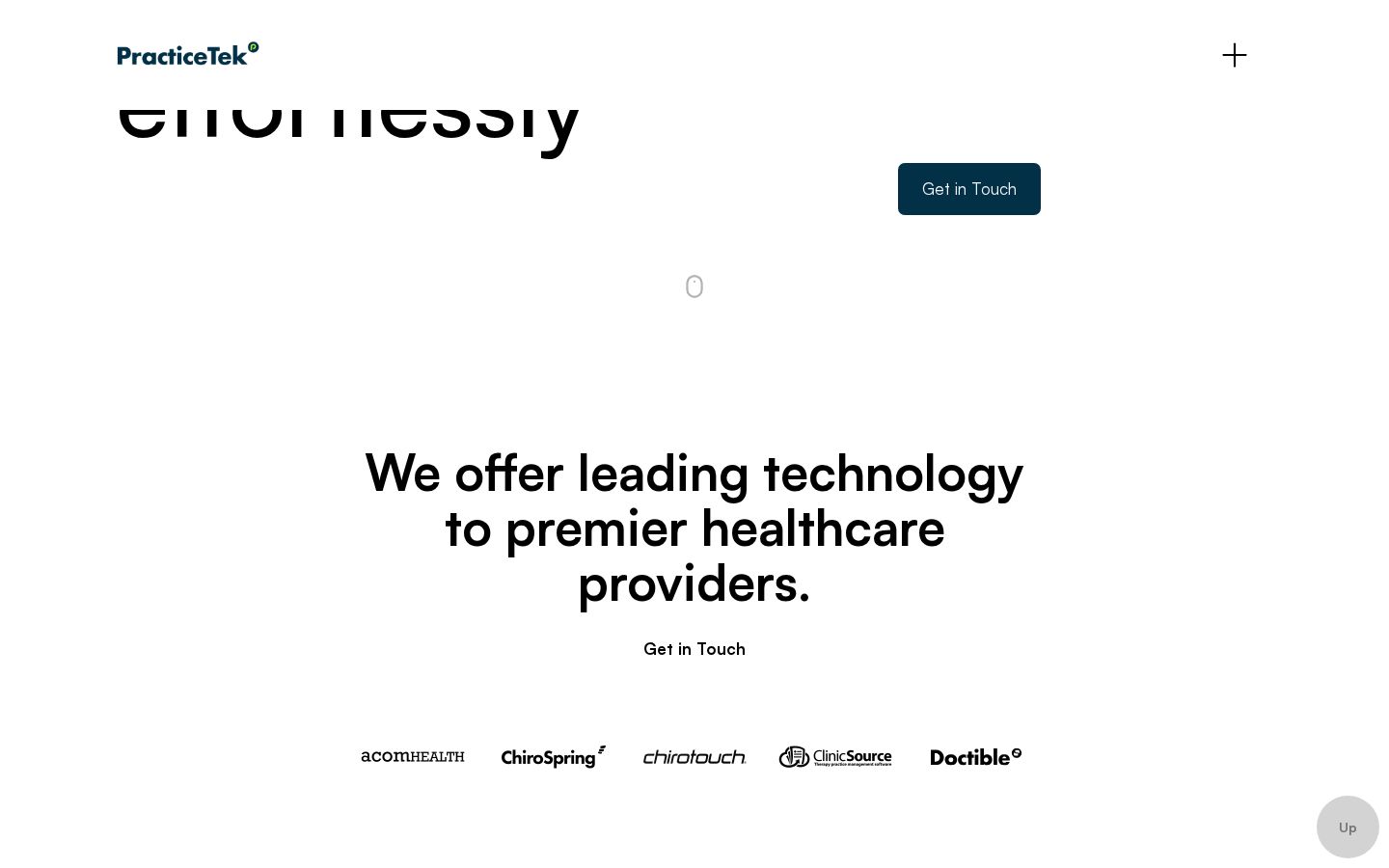
Screenshots sourced from PracticeTek's publicly available materials and shown for identification and review purposes. Interface shown may differ from the current release.
Scheduling & patient engagement
Scheduling and patient tools across the practice
PracticeTek's scheduling module covers appointment booking, automated reminders, digital patient intake and self-scheduling. These tools connect to the clinical and billing sides of the platform so information flows without re-keying across systems.
- Appointment scheduling and calendar management
- Automated patient reminders and digital intake
- Online self-scheduling for patients
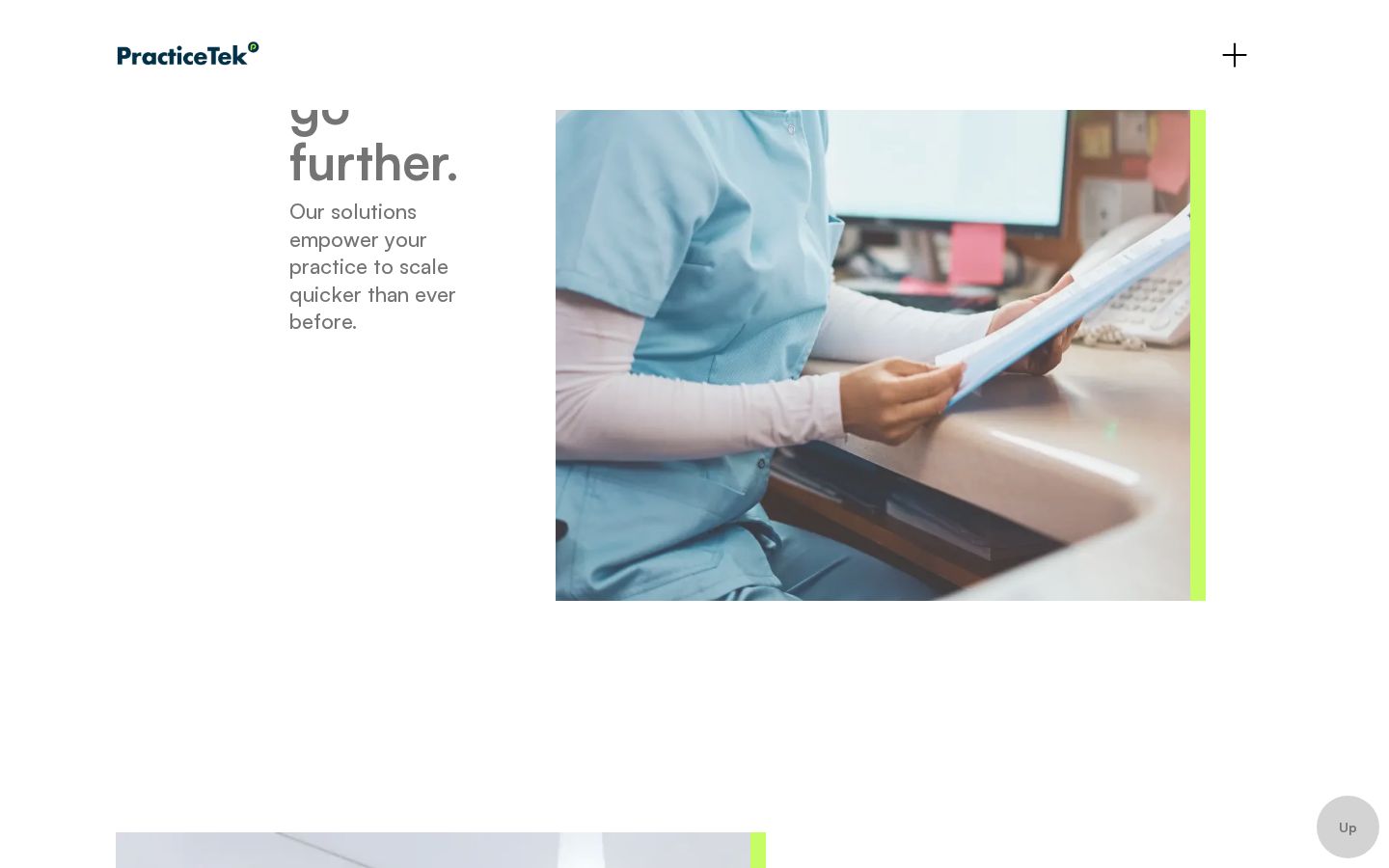
Screenshots sourced from PracticeTek's publicly available materials and shown for identification and review purposes. Interface shown may differ from the current release.
Billing & payments
Integrated billing and patient payments
PracticeTek connects billing and patient payment collection directly to the clinical record. Claims move from the chart to submission without manual re-entry, and patient balance collection tools are built into the same ecosystem as scheduling and clinical documentation.
- Claims submission linked to clinical documentation
- Patient balance collection and payment tools
- Revenue reporting across the connected platform
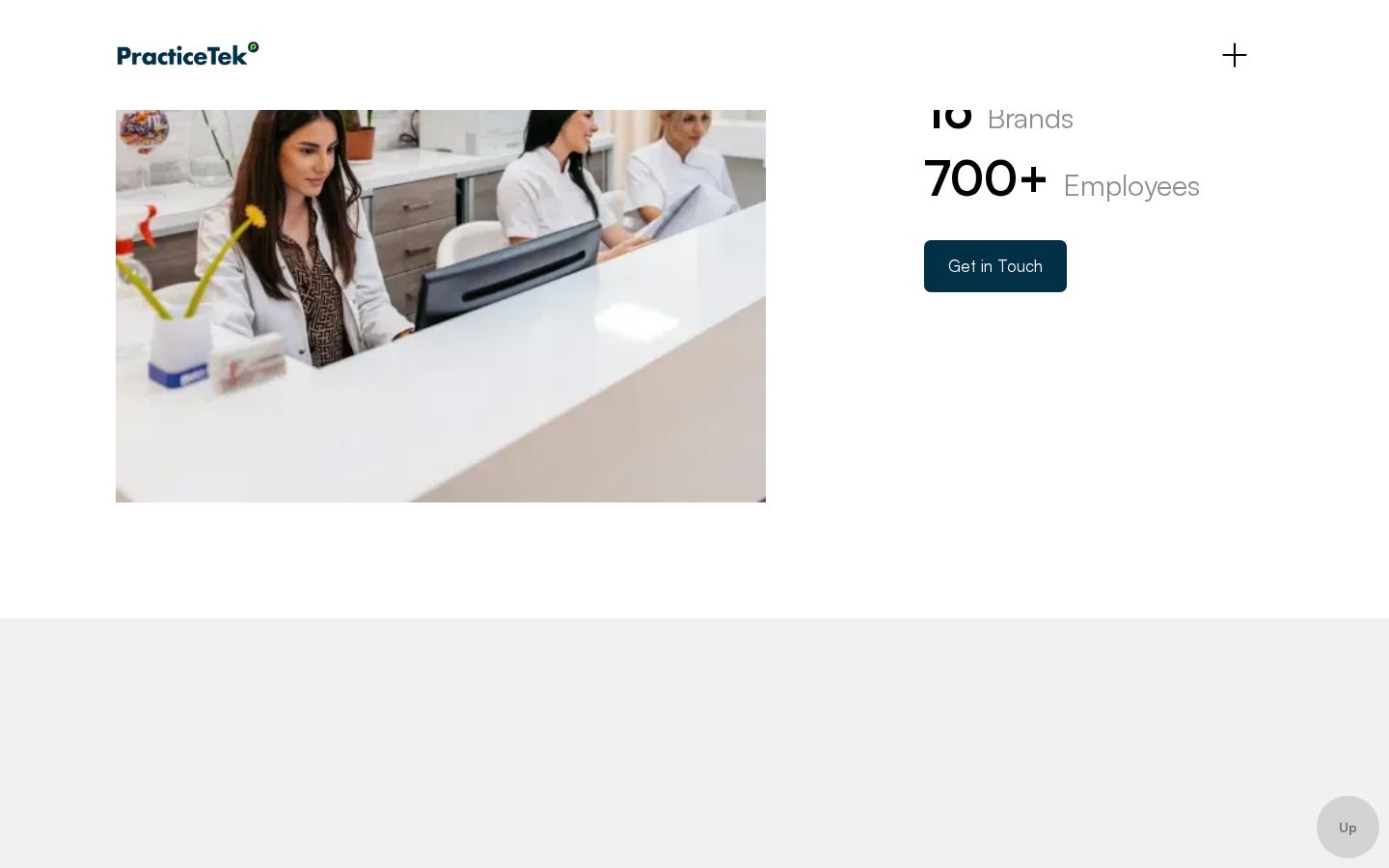
Screenshots sourced from PracticeTek's publicly available materials and shown for identification and review purposes. Interface shown may differ from the current release.
Pricing
How much does PracticeTek cost?
PracticeTek plan details varies by specialty solution, module set and practice size. plan details is not listed publicly and is available on request. A guided consultation is typically offered before plan details are provided.
Get PricingSpecialty EHR
Core clinical documentation and charting for the specific specialty.
EHR with scheduling and billing
Adds scheduling, patient engagement and billing tools.
Full connected platform
The complete ecosystem with payments, analytics and workflow automation.
Across public reviews, PracticeTek receives generally positive feedback from specialty practices that value having EHR, scheduling and billing in one connected ecosystem, with the integrated approach being the most frequently cited benefit.
plan details references are based on publicly available third-party information and industry benchmarks. Actual costs may vary.
Who it's for
Who is PracticeTek for?
Use cases
Common ways teams use PracticeTek
Replacing disconnected specialty tools
Consolidate separate EHR, scheduling, billing and payment systems into one connected platform.
Documenting specialty clinical encounters
Chart visits with specialty-configured templates linked to scheduling and billing.
Managing scheduling and patient flow
Book appointments, send reminders and run digital intake across the practice.
Billing and collecting patient payments
Submit claims and collect patient balances through tools integrated with the clinical record.
What users say
Aggregated from public reviews, PracticeTek receives positive feedback for its connected platform approach and specialty-specific workflows, with users noting that having EHR, scheduling and billing in one ecosystem reduces data re-entry and improves practice efficiency. Common criticisms include the initial implementation complexity and the adjustment period when migrating from established point tools. Reviewers are most often from chiropractic, dental and optometry practices.
Features
PracticeTek features
Capabilities listed on the official site, summarised in our own words. Exact availability varies by plan.
Specialty-built EHR
Clinical documentation and charting configured for chiropractic, dental, optometry, pediatrics and other specialties.
Scheduling and patient engagement
Appointment scheduling, automated reminders, self-scheduling and digital patient intake.
Integrated billing
Claims submission and revenue reporting linked directly to clinical documentation.
Patient payment collection
Patient balance collection tools integrated into the same platform as scheduling and clinical workflows.
Connected data ecosystem
Single data backbone means information updates across scheduling, clinical and billing automatically.
Pros & cons
PracticeTek pros and cons
Pros
- Specialty-specific EHR for multiple practice types
- EHR, scheduling, billing and payments in one platform
- Reduces manual data re-entry across systems
- Connected ecosystem rather than bolted-on integrations
- Cloud-based access across the practice
Cons
- Implementation complexity when migrating from existing tools
- Learning curve for staff during onboarding
- plan details requires direct engagement to obtain
FAQ
Common questions about PracticeTek
Request a demo
Share a few details and we'll help arrange a PracticeTek walkthrough for your workflow.
Software Finder is an independent software marketplace, not PracticeTek, and not affiliated with or endorsed by them.
By submitting, you agree to Software Finder's Terms of Service and Privacy Policy and consent to be contacted by Software Finder and one or more matchedsoftware vendors (which may include PracticeTek) about your request. You can opt out at any time.
Next step
Still comparing options? See PracticeTek in action.
Software Finder helps you gather the information that actually drives a software decision, a real walkthrough of PracticeTek and a clear view of how it compares to similar platforms.
- See PracticeTek in a live walkthrough
- Connect with the right team
- Compare against similar platforms
- Independent guidance