

Logo shown is the property of SmartAdvocate, used for identification purposes only.
Get SmartAdvocate Pricing & Demo
Compare plans, book a live demo, and see how SmartAdvocate fits your team.
SmartAdvocate brings case management, workflow automation, document handling and reporting together for litigation and personal injury firms. Because it is a deep platform, smaller teams may not use every module. Tell us about your firm and we'll return current plan details.
See the plan that fits your team
Share a few details and we'll send SmartAdvocate pricing matched to your legal needs.
Independent guidance
Software Finder is an independent software marketplace, not SmartAdvocate, and not affiliated with or endorsed by them.
By submitting, you agree to Software Finder's Terms of Service and Privacy Policy and consent to be contacted by Software Finder and one or more matchedsoftware vendors (which may include SmartAdvocate) about your request. You can opt out at any time.
- Pricing matched to your team size
- Independent guidance
- Compare with similar platforms
Key takeaways
SmartAdvocate is a case management platform used mainly by personal injury and litigation law firms to run cases, automation, documents and reporting in one place. Reviewers most often highlight its automation and customization, while a recurring limitation is a learning curve during setup. It continues to expand its built-in AI tools and integrations.
Overview
What is SmartAdvocate?
SmartAdvocate is a case management platform for law firms, with a strong focus on personal injury and litigation practices. It combines case and contact records, automated workflows, document management, calendaring, reporting and a built-in intake process in a single system. Firms configure WorkPlans and automated procedures so that each case type follows a consistent path from intake to settlement. It is available in both cloud-based and server-based deployments.
Best for
SmartAdvocate is best for personal injury and litigation firms that want deep case automation rather than a general-purpose tool. Its most frequently noted strength is configurable WorkPlans and automated procedures, which let firms map each case type's steps, trigger tasks and standardize how work moves from intake through settlement across high case volumes.
Case management
Track every case from intake to settlement
SmartAdvocate keeps case details, contacts, notes, deadlines and documents in one record so staff can see a case's status at a glance. Firms configure how each case type moves forward, keeping work consistent across the practice.
- Central case records and notes
- Deadlines and critical dates
- Consistent case-type handling
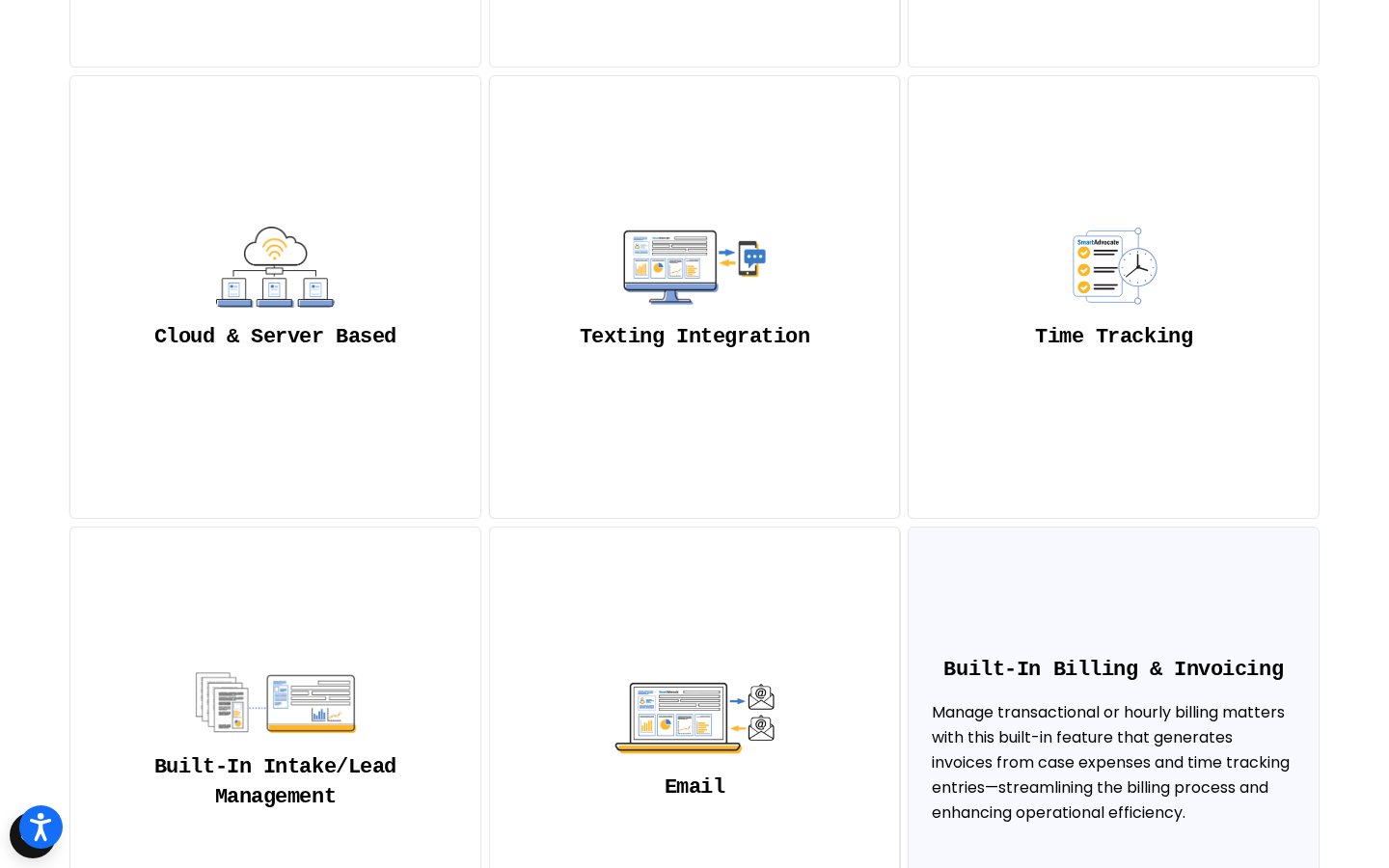
Screenshots sourced from SmartAdvocate's publicly available materials and shown for identification and review purposes. Interface shown may differ from the current release.
Automation & documents
Automate workflows and document handling
WorkPlans and automated procedures move cases through defined steps, while document templates built from merge codes generate paperwork tied to each case. eSignature, batch scanning and unlimited storage are handled in the same system.
- WorkPlans and automated procedures
- Template documents from merge codes
- eSignature and document storage
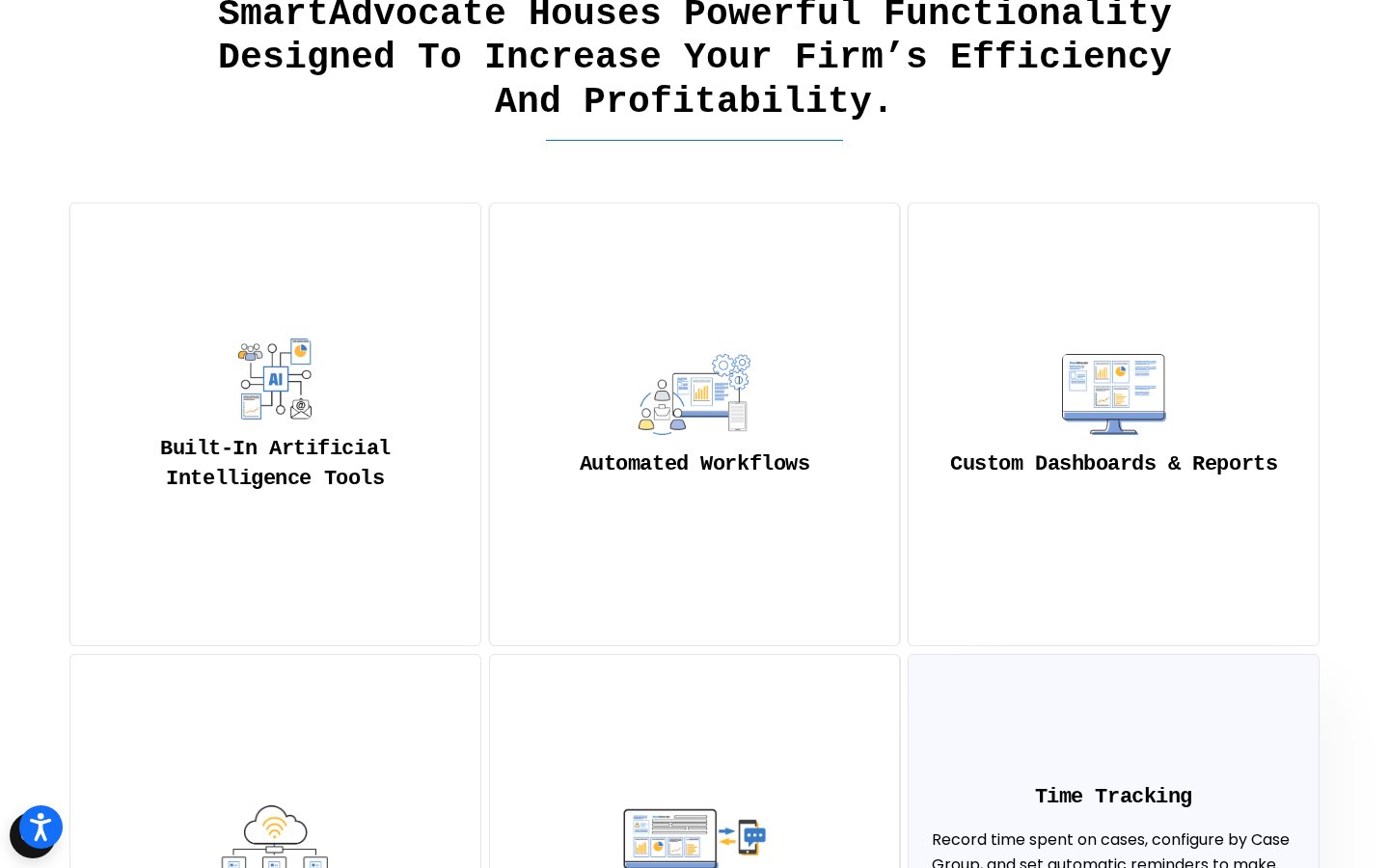
Screenshots sourced from SmartAdvocate's publicly available materials and shown for identification and review purposes. Interface shown may differ from the current release.
Dashboards & client portal
Report on cases and share access securely
Dashboards and reports surface case, financial and operational data, and the Dashboard Viewer lets firms build their own. A client portal gives clients controlled access to their case documents, calendar and notes.
- Dashboards and custom reporting
- Client portal with controlled access
- Office calendaring and deadlines
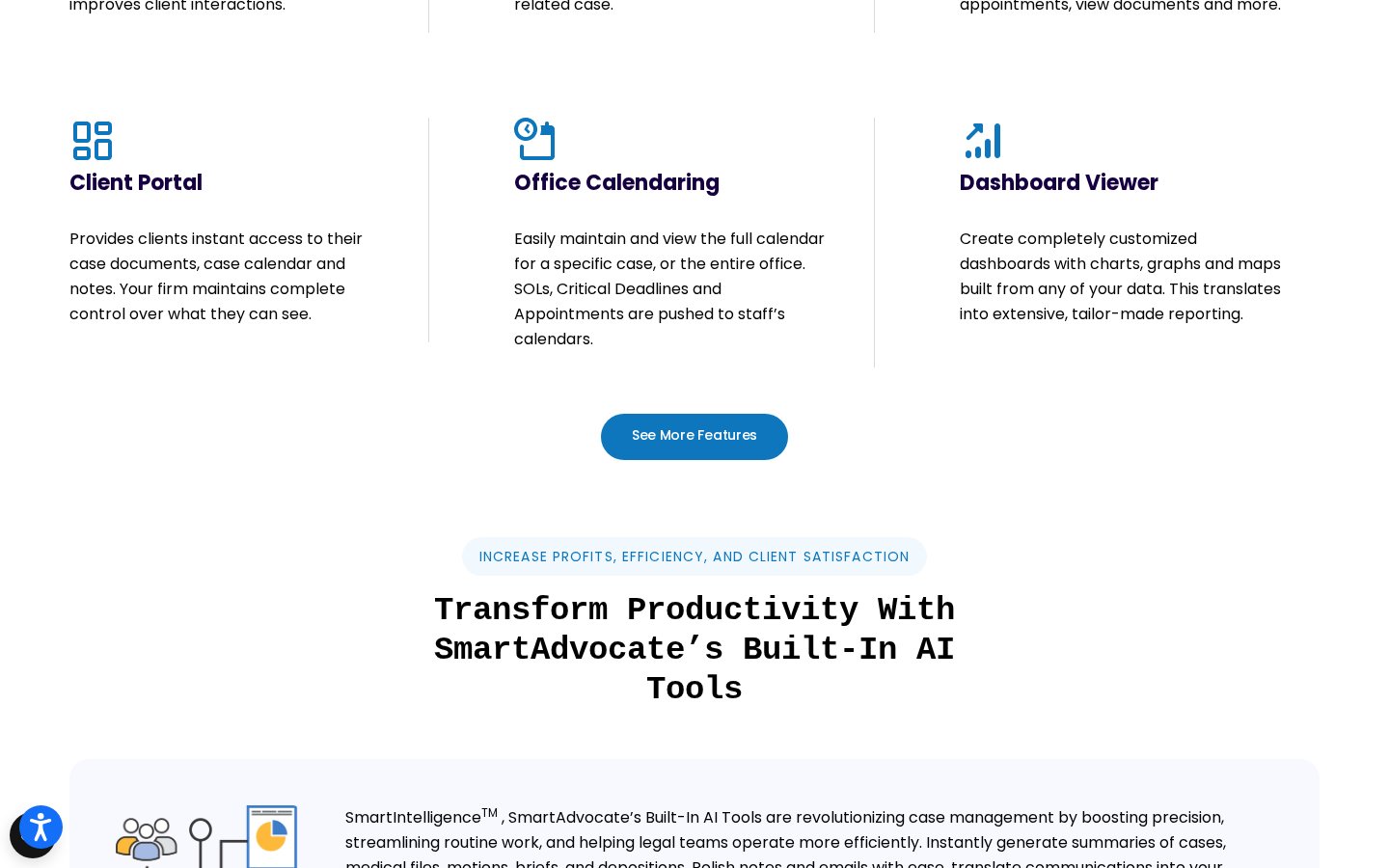
Screenshots sourced from SmartAdvocate's publicly available materials and shown for identification and review purposes. Interface shown may differ from the current release.
Pricing
How much does SmartAdvocate cost?
SmartAdvocate does not publish standard plan details on its website; plans are quoted based on firm size, deployment and modules. A consultation is available on request.
Get PricingQuote-based plans
Plan details scales with users, deployment and modules selected.
Cloud or server
Cloud-hosted and server-based deployments are both available.
Consultation
Book a walkthrough to receive a tailored quote.
Across public reviews, SmartAdvocate is generally seen as a strong value for high-volume firms that use its automation, though some note that cost and value depend on how fully a firm adopts the platform.
Plan details references are based on publicly available third-party information and industry benchmarks. Actual costs may vary.
Who it's for
Who is SmartAdvocate for?
Use cases
Common ways teams use SmartAdvocate
Managing cases end to end
Track each case's status, parties, tasks and documents in one record.
Automating case workflows
Move cases through defined steps with WorkPlans and automated procedures.
Handling documents at scale
Generate, store and eSign documents tied to each case.
Capturing and scoring intake
Feed new leads through an intake wizard and track follow-up.
Reporting on firm performance
Use dashboards and reports to monitor case and financial data.
What users say
Aggregated from public reviews, sentiment toward SmartAdvocate is broadly positive: users value the depth of automation, the customization options, and the responsiveness of support. The most common criticism is that the platform takes time to set up and learn given its breadth. Reviewers are frequently case managers and administrators at personal injury and litigation firms.
Features
SmartAdvocate features
Capabilities listed on the official site, summarised in our own words. Exact availability varies by plan.
Case management
Central records for cases, contacts, notes, tasks and documents.
Workflow automation
WorkPlans and automated procedures for consistent case handling.
Document management
Template documents, batch scanning, eSignature and storage.
Dashboards and reporting
Dashboards, reports and a Dashboard Viewer for custom views.
Intake management
Intake wizard with lead tracking, scoring and follow-up.
Pros & cons
SmartAdvocate pros and cons
Pros
- Deep, configurable automation
- Strong document management
- Highly customizable dashboards
- Built for high case volumes
- Responsive customer support
Cons
- Takes time to set up
- Learning curve for new users
- Best value when fully adopted
FAQ
Common questions about SmartAdvocate
Request a demo
Share a few details and we'll help arrange a SmartAdvocate walkthrough for your workflow.
Software Finder is an independent software marketplace, not SmartAdvocate, and not affiliated with or endorsed by them.
By submitting, you agree to Software Finder's Terms of Service and Privacy Policy and consent to be contacted by Software Finder and one or more matchedsoftware vendors (which may include SmartAdvocate) about your request. You can opt out at any time.
Next step
Still comparing options? See SmartAdvocate in action.
Software Finder helps you gather the information that actually drives a software decision, a real walkthrough of SmartAdvocate and a clear view of how it compares to similar platforms.
- See SmartAdvocate in a live walkthrough
- Connect with the right team
- Compare against similar platforms
- Independent guidance