

Logo shown is the property of QuickBooks Payroll, used for identification purposes only.
Get QuickBooks Payroll Pricing & Demo
Compare plans, book a live demo, and see how QuickBooks Payroll fits your team.
QuickBooks Payroll is a full-service payroll product for small businesses, with auto-calculated pay, federal and state tax filing, direct deposit and employee self-service through the Workforce app. Deeper HR features like performance and learning sit outside the product. Tell us your headcount and we'll return current pricing.
Key takeaways
QuickBooks Payroll is a full-service payroll platform used mainly by small and mid-sized US employers already on QuickBooks Online for bookkeeping. Across public reviews, sentiment is broadly positive on ease of use, automated tax filing and direct deposit. Recurring criticisms centre on customer support responsiveness and per-employee plan details at higher tiers. Intuit continues to expand automation around tax filing and same-day direct deposit.
See the plan that fits your team
Share a few details and we'll send QuickBooks Payroll pricing matched to your HR needs.
Independent guidance
Software Finder is an independent software marketplace, not QuickBooks Payroll, and not affiliated with or endorsed by them.
By submitting, you agree to Software Finder's Terms of Service and Privacy Policy and consent to be contacted by Software Finder and one or more matchedsoftware vendors (which may include QuickBooks Payroll) about your request. You can opt out at any time.
Overview
What is QuickBooks Payroll?
QuickBooks Payroll is a cloud payroll product from Intuit that lets small businesses run payroll, file federal and state payroll taxes, pay employees by direct deposit or check, and give employees self-service access to paystubs and W-2s. It is offered as an add-on to QuickBooks Online and integrates tightly with QuickBooks bookkeeping, so payroll expenses post to the general ledger automatically. Optional tiers add same-day direct deposit, HR support and a tax-penalty protection guarantee.
Best for
QuickBooks Payroll is best suited to small US businesses that already use QuickBooks Online for accounting and want payroll and tax filing on the same platform instead of a separate system. Its standout element, consistently noted in reviews, is the automated federal and state tax filing on paid plans, which removes most of the manual work around 941, 940, W-2 and state withholding forms.
Run payroll
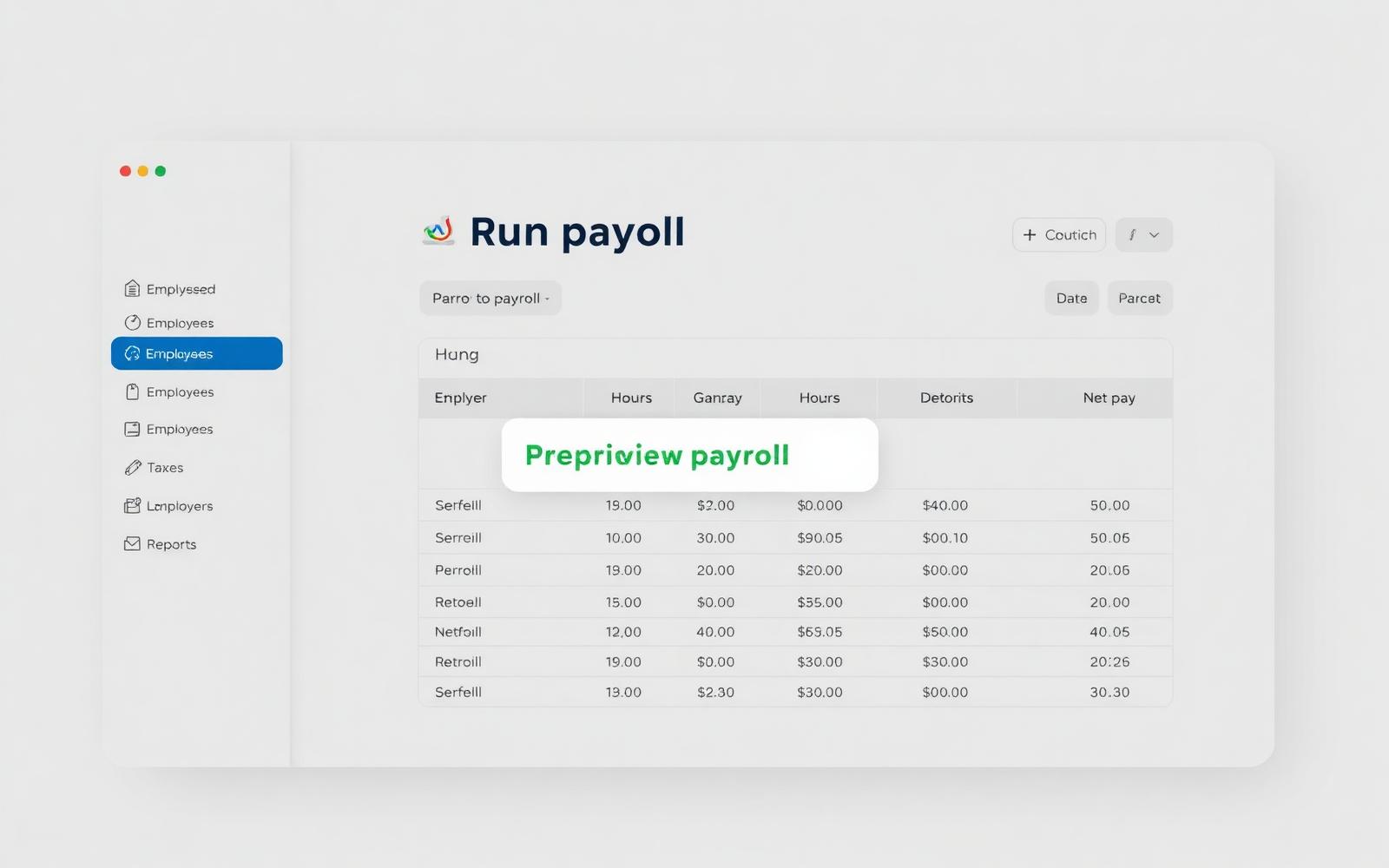
Run payroll from a single screen
QuickBooks Payroll lets small-business owners run scheduled or unscheduled payroll from a single screen, with gross pay, taxes and deductions calculated for salaried and hourly workers. Direct deposit and printed checks are both supported, and payroll data flows into QuickBooks Online for bookkeeping.
- Auto-calculated wages, taxes and deductions
- Same-day and next-day direct deposit (higher plans)
- Unlimited pay runs across pay schedules
Screenshots sourced from QuickBooks Payroll's publicly available materials and shown for identification and review purposes. Interface shown may differ from the current release.
Payroll taxes
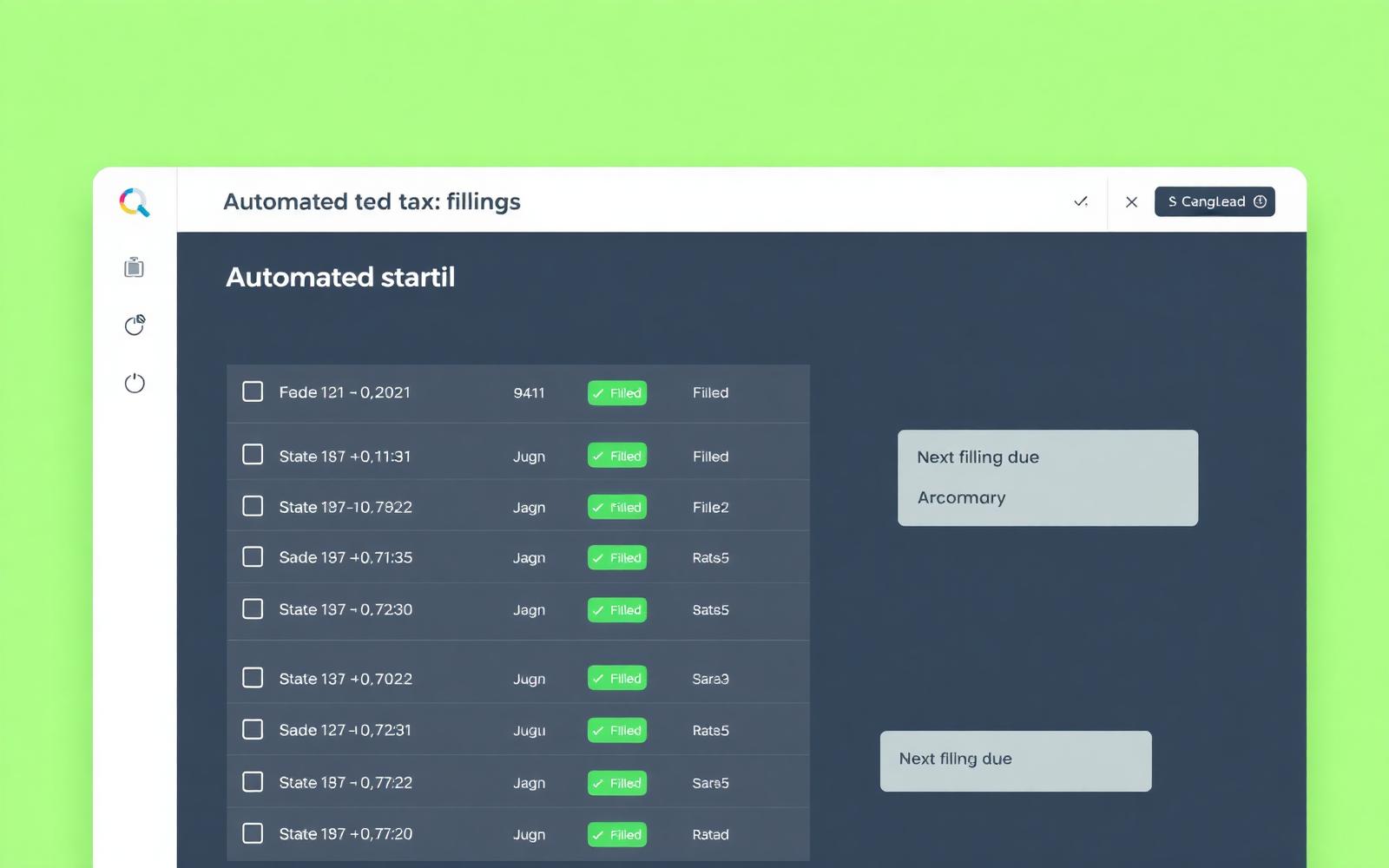
Automated federal and state payroll tax filing
QuickBooks Payroll calculates, files and pays federal and state payroll taxes on the employer's behalf on paid plans, including 941, 940, W-2 and state withholding forms. Higher tiers add a tax-penalty protection guarantee for filings made through the product.
- Automatic federal and state tax calculations
- e-file and e-pay for 941, 940, W-2 and state forms
- Year-end W-2 preparation for employees
Screenshots sourced from QuickBooks Payroll's publicly available materials and shown for identification and review purposes. Interface shown may differ from the current release.
Employee self-service
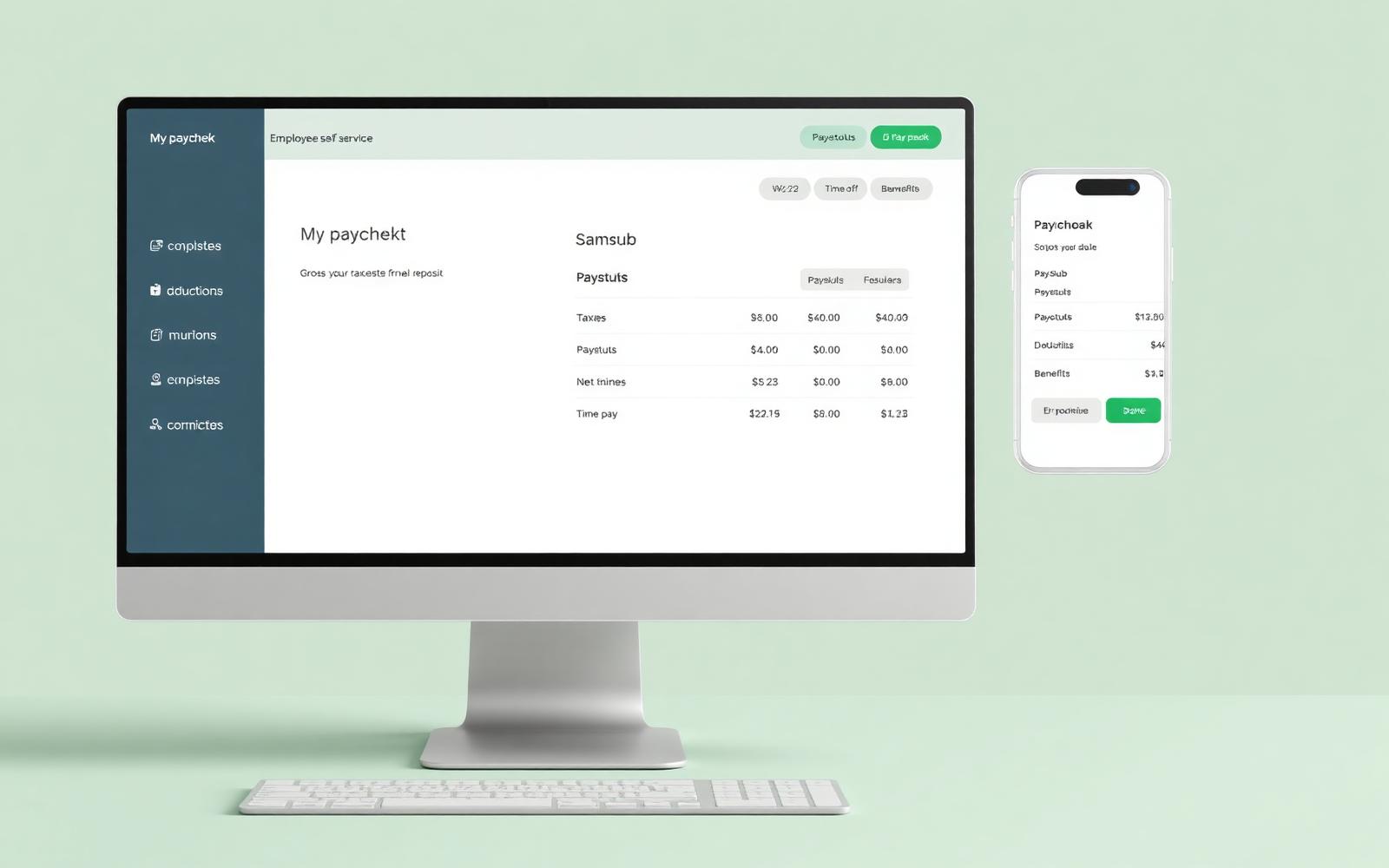
Give employees paystubs, W-2s and time off in one app
Employees use the QuickBooks Workforce portal and mobile app to view paystubs, download W-2s, update personal information and (with QuickBooks Time) submit hours and time-off requests, cutting down on HR back-and-forth for small teams.
- Self-service paystubs and year-end W-2s
- Mobile app for hours and time off (with QB Time)
- Employee-managed personal and tax details
Screenshots sourced from QuickBooks Payroll's publicly available materials and shown for identification and review purposes. Interface shown may differ from the current release.
Pricing
How much does QuickBooks Payroll cost?
QuickBooks Payroll is priced with a monthly base fee plus a per-employee fee, sold in three tiers (Core, Premium and Elite). A 30-day free trial is offered, and introductory discounts on the base fee are common for new customers.
Get PricingPayroll Core
Full-service payroll with next-day direct deposit and automated federal and state tax filing.
Payroll Premium
Adds same-day direct deposit, HR support center and QuickBooks Time for hours tracking.
Payroll Elite
Adds a personal HR advisor, expert setup review and tax-penalty protection.
Across public reviews, QuickBooks Payroll is generally seen as reasonably priced for small US employers, especially when bundled with QuickBooks Online. Some reviewers note that the per-employee fee adds up as headcount grows and that features like same-day direct deposit and HR support sit on the higher tiers.
Plan details references are based on publicly available information and are subject to change. Actual costs may vary; introductory offers may apply.
Who it's for
Who is QuickBooks Payroll for?
Use cases
Common ways teams use QuickBooks Payroll
Running payroll for salaried and hourly staff
Auto-calculate wages, taxes and deductions across mixed pay types and run payroll on multiple schedules.
Automating federal and state payroll tax filing
Have Intuit calculate, file and pay 941, 940, W-2 and state withholding forms on the employer's behalf.
Paying contractors alongside employees
Manage 1099 contractors, direct deposit and year-end 1099 forms from the same payroll platform.
Keeping payroll and bookkeeping in one place
Post payroll expenses straight into QuickBooks Online so books and payroll stay in sync.
What users say
Aggregated from public reviews, sentiment toward QuickBooks Payroll is broadly positive among small-business owners, bookkeepers and office managers, especially those already using QuickBooks Online. Reviewers regularly cite the guided payroll run, automated tax filing, direct deposit and the Workforce self-service portal for employees. Common criticisms include customer support responsiveness, per-employee plan details at higher headcounts, and the depth of core HR features beyond payroll. Reviews are most often written by owners of small US businesses and accounting professionals serving SMB clients.
Features
QuickBooks Payroll features
Capabilities listed on the official site, summarised in our own words. Exact availability varies by plan.
Full-service payroll runs
Run unlimited scheduled or off-cycle payroll for salaried, hourly and contractor workers.
Automated payroll tax filing
Calculate, file and pay federal and state payroll taxes, including 941, 940, W-2 and state forms.
Direct deposit and paper checks
Pay employees by next-day or same-day direct deposit (plan-dependent) or printed checks.
Workforce employee portal
Give employees self-service access to paystubs, W-2s and personal details via web and mobile.
QuickBooks Online integration
Sync payroll expenses, taxes and journal entries directly into QuickBooks Online bookkeeping.
Pros & cons
QuickBooks Payroll pros and cons
Pros
- Easy to learn for existing QuickBooks users
- Automated federal and state tax filing
- Direct deposit with fast pay-run timing on higher tiers
- Employee self-service via Workforce app
- Tight integration with QuickBooks Online bookkeeping
Cons
- Customer support responsiveness varies
- Per-employee fees add up at higher headcounts
- Core HR features beyond payroll are limited
FAQ
Common questions about QuickBooks Payroll
Request a demo
Share a few details and we'll help arrange a QuickBooks Payroll walkthrough for your workflow.
Software Finder is an independent software marketplace, not QuickBooks Payroll, and not affiliated with or endorsed by them.
By submitting, you agree to Software Finder's Terms of Service and Privacy Policy and consent to be contacted by Software Finder and one or more matchedsoftware vendors (which may include QuickBooks Payroll) about your request. You can opt out at any time.
Next step
Still comparing options? See QuickBooks Payroll in action.
Software Finder helps you gather the information that actually drives a software decision, a real walkthrough of QuickBooks Payroll and a clear view of how it compares to similar platforms.
- See QuickBooks Payroll in a live walkthrough
- Connect with the right team
- Compare against similar platforms
- Independent guidance