

Logo shown is the property of 7shifts, used for identification purposes only.
Get 7shifts Pricing & Demo
Compare plans, book a live demo, and see how 7shifts fits your team.
7shifts brings scheduling, time tracking, tip management and team communication together for restaurants and hospitality teams. Its focus on food service means businesses outside that sector may prefer a general workforce tool. Tell us your needs and we'll return current pricing.
Key takeaways
7shifts is a scheduling and team-management platform built for restaurants, combining shift scheduling, a time clock, tip management and team communication. Across public reviews the majority of feedback is positive, with users highlighting the ease of building schedules and the mobile app for staff. Recurring criticisms centre on occasional syncing issues and the cost of higher tiers for smaller operators.
See the plan that fits your team
Share a few details and we'll send 7shifts pricing matched to your HR needs.
Independent guidance
Software Finder is an independent software marketplace, not 7shifts, and not affiliated with or endorsed by them.
By submitting, you agree to Software Finder's Terms of Service and Privacy Policy and consent to be contacted by Software Finder and one or more matchedsoftware vendors (which may include 7shifts) about your request. You can opt out at any time.
Overview
What is 7shifts?
7shifts is a cloud-based employee scheduling and team-management platform designed specifically for restaurants and hospitality businesses. It combines shift scheduling, a time clock, timesheets, tip management, labor forecasting and team communication in one system. The aim is to give restaurant operators one place to schedule staff, control labor cost and communicate with their team, accessible from the office or on a phone.
Best for
7shifts is best for restaurants and multi-location hospitality groups that want scheduling, time tracking and team communication built around food-service workflows. Its standout element, frequently highlighted by reviewers, is the mobile experience, staff can view schedules, swap shifts and message the team from their phones, which cuts down manager admin.
Scheduling
Build and share staff schedules in minutes
7shifts helps managers create and share staff schedules built around availability, roles and forecasted demand. Templates, auto-scheduling and mobile notifications keep shifts filled and staff informed without long email or text chains.
- Drag-and-drop and template scheduling
- Availability and time-off tracking
- Mobile shift alerts and swaps
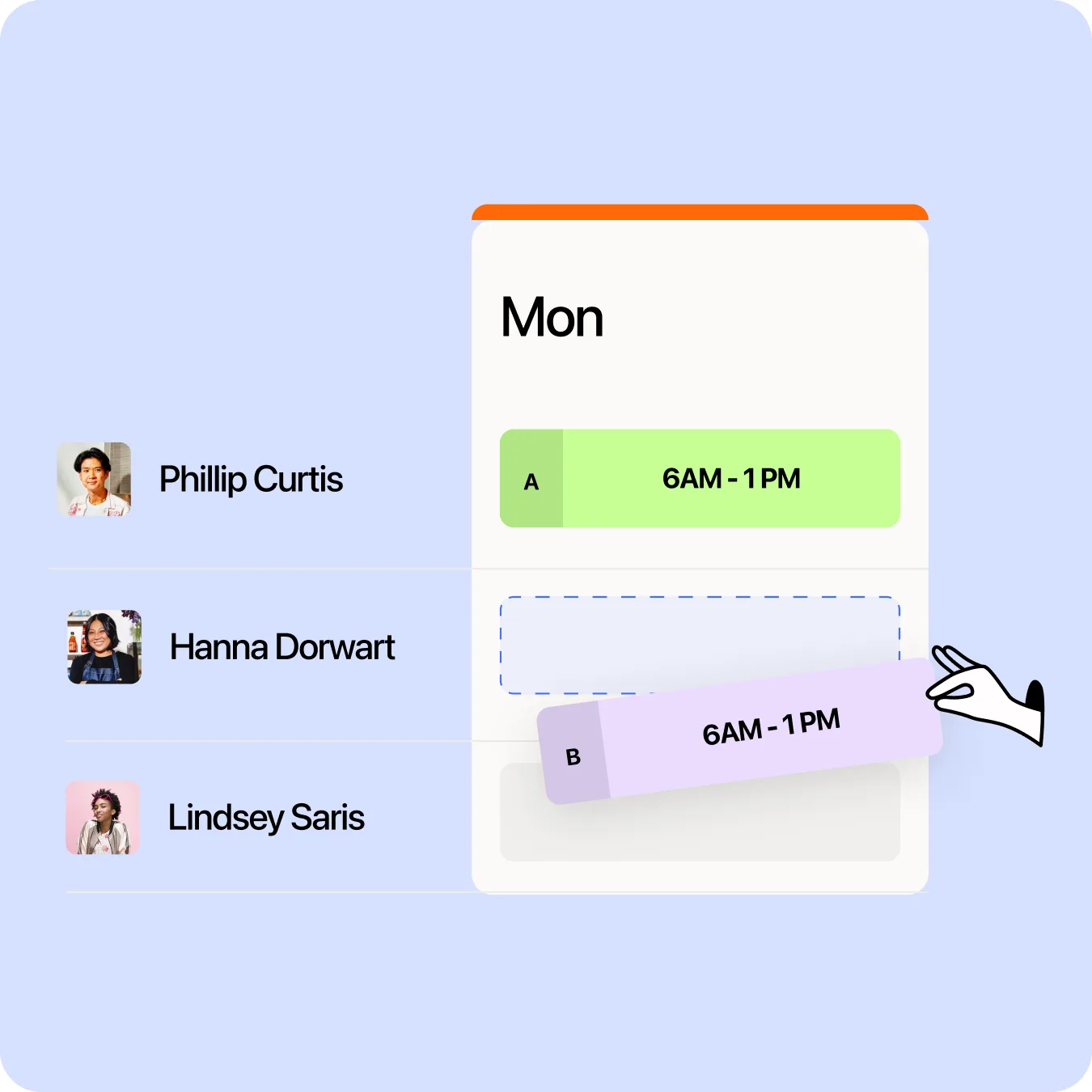
Screenshots sourced from 7shifts's publicly available materials and shown for identification and review purposes. Interface shown may differ from the current release.
Time clock & payroll
Track hours and prepare payroll from one place
A built-in time clock captures clock-ins against scheduled shifts, flags early or late punches and feeds hours into timesheets. Approved hours and tips can be exported or run through integrated payroll.
- Time clock with punch controls
- Timesheets and tip tracking
- Payroll export and integrations
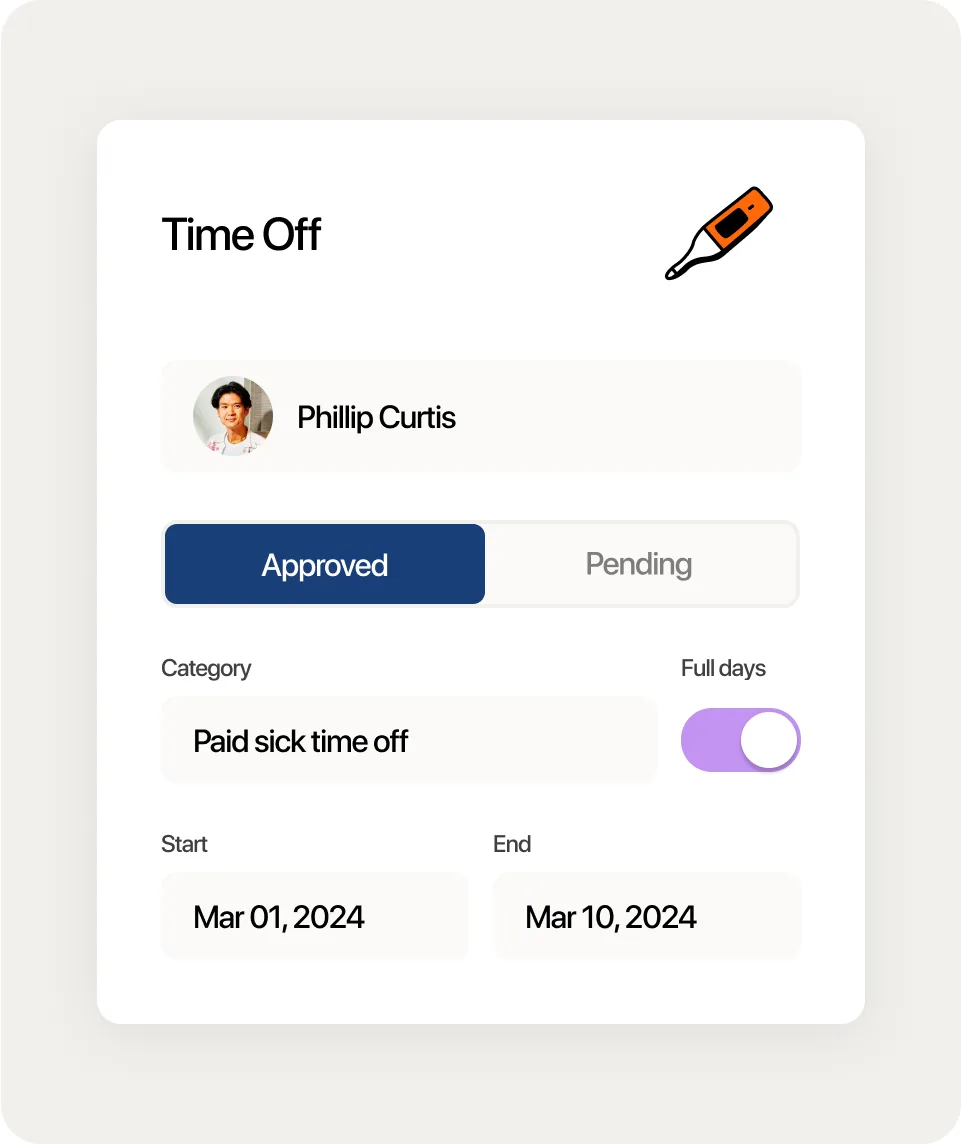
Screenshots sourced from 7shifts's publicly available materials and shown for identification and review purposes. Interface shown may differ from the current release.
Team communication
Keep the whole team in sync
Team chat, announcements and shift feedback keep communication tied to the schedule, so managers can reach staff, share updates and track engagement without switching to separate messaging tools.
- Team chat and announcements
- Shift feedback and engagement
- Task and checklist tools
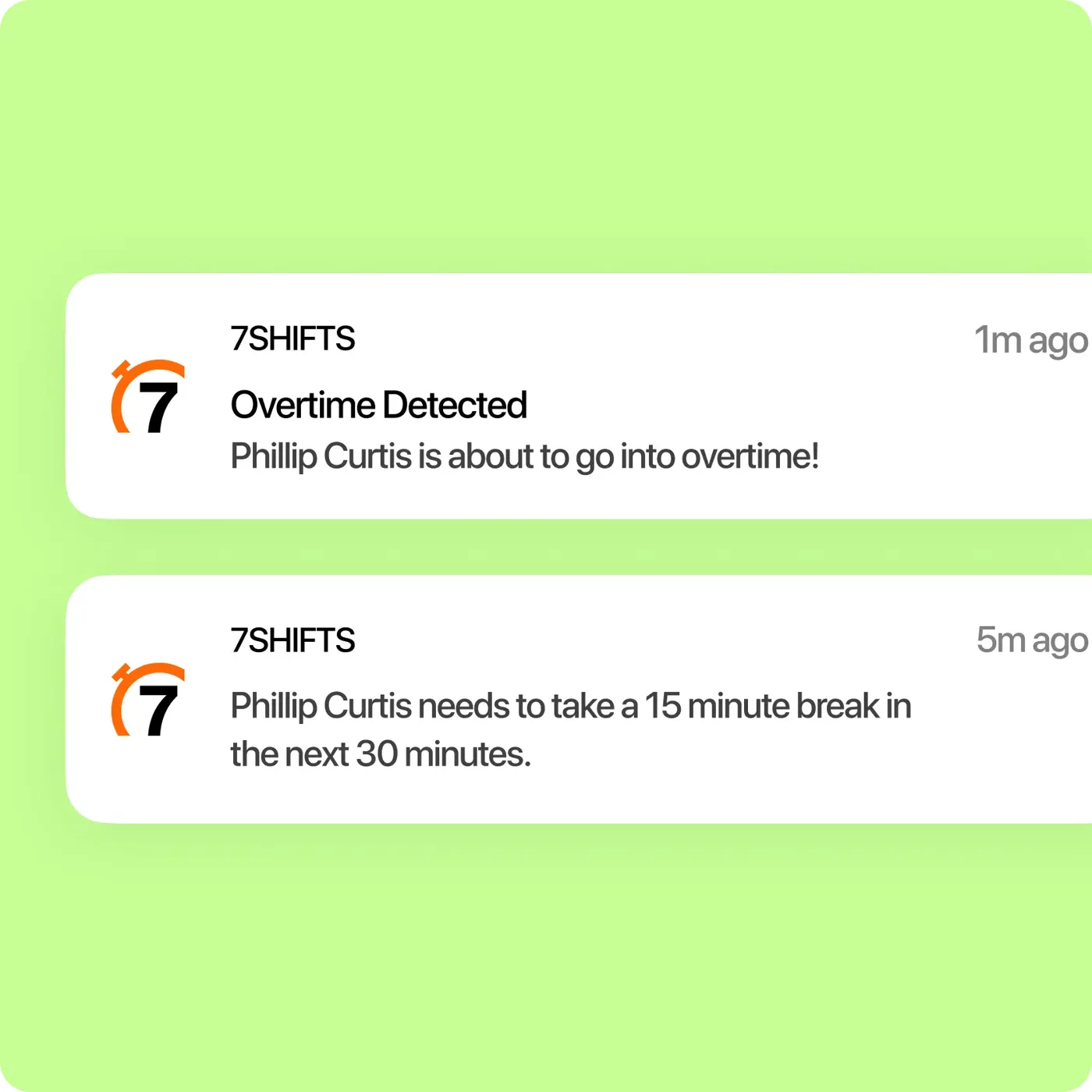
Screenshots sourced from 7shifts's publicly available materials and shown for identification and review purposes. Interface shown may differ from the current release.
Pricing
How much does 7shifts cost?
7shifts is offered in tiered plans priced per location, from a free plan for a single location to paid tiers that add scheduling, engagement and labor-management features. A trial is typically available.
Get PricingFree / entry tier
Core scheduling and time-off for a single location.
Growth tiers
Add advanced scheduling, time clock and reporting.
Higher tiers
Add labor forecasting, engagement and manager log-book tools.
Across public reviews, 7shifts is generally described as good value for restaurants, with several noting it saves managers time on scheduling, though some mention that costs can grow as locations and advanced features are added.
Plan details references are based on publicly available third-party information and industry benchmarks. Actual costs may vary.
Who it's for
Who is 7shifts for?
Use cases
Common ways teams use 7shifts
Scheduling restaurant staff
Build and share shift schedules around availability, roles and demand.
Tracking hours and tips
Capture clock-ins, manage timesheets and handle tip pooling.
Controlling labor cost
Use forecasting and labor tools to keep staffing in line with sales.
Communicating with the team
Share announcements and messages tied to the schedule.
What users say
Aggregated from public reviews, sentiment toward 7shifts is largely favourable: users value the ease of building schedules, the mobile app for staff, and having scheduling, time tracking and communication in one place. The most common criticisms are occasional syncing or notification issues and that costs can grow with locations and add-ons. Reviewers are most often restaurant managers, operators and hospitality staff.
Features
7shifts features
Capabilities listed on the official site, summarised in our own words. Exact availability varies by plan.
Employee scheduling
Create, share and adjust shift schedules by role and location.
Time clock and timesheets
Capture hours against shifts and prepare them for payroll.
Tip management
Track and distribute tips with pooling rules.
Team communication
Chat, announcements and shift feedback in one app.
Labor forecasting
Project labor needs against sales and demand.
Pros & cons
7shifts pros and cons
Pros
- Purpose-built for restaurants
- Easy schedule building
- Strong mobile app for staff
- Tip and labor tools included
- Team communication built in
Cons
- Costs grow with locations and add-ons
- Occasional syncing or notification issues
- Best suited to food service specifically
FAQ
Common questions about 7shifts
Request a demo
Share a few details and we'll help arrange a 7shifts walkthrough for your workflow.
Software Finder is an independent software marketplace, not 7shifts, and not affiliated with or endorsed by them.
By submitting, you agree to Software Finder's Terms of Service and Privacy Policy and consent to be contacted by Software Finder and one or more matchedsoftware vendors (which may include 7shifts) about your request. You can opt out at any time.
Next step
Still comparing options? See 7shifts in action.
Software Finder helps you gather the information that actually drives a software decision, a real walkthrough of 7shifts and a clear view of how it compares to similar platforms.
- See 7shifts in a live walkthrough
- Connect with the right team
- Compare against similar platforms
- Independent guidance